跳至内容

Solution Builder: Solution Templates

A Solution Template is a pre‑configured Solution Builder design that includes:

  • A complete reference architecture laid out on the Solution Builder canvas.
  • Equinix products and services arranged in validated topologies.
  • Optional generic components to visually represent third‑party services or external systems.

After selecting a template and adding it to your design, you can duplicate it and freely modify the design, adding, removing, or reconfiguring components, just like any other Solution Builder design. Solution Templates are available across projects, meaning you can import them into any new or existing design.

To use a Solution Template:

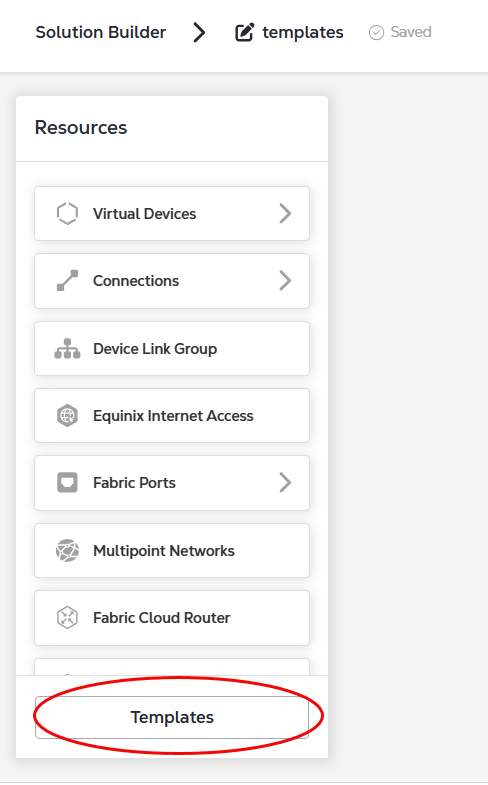
  1. In the Resources section, click Templates.

Templates Button in Resources menu

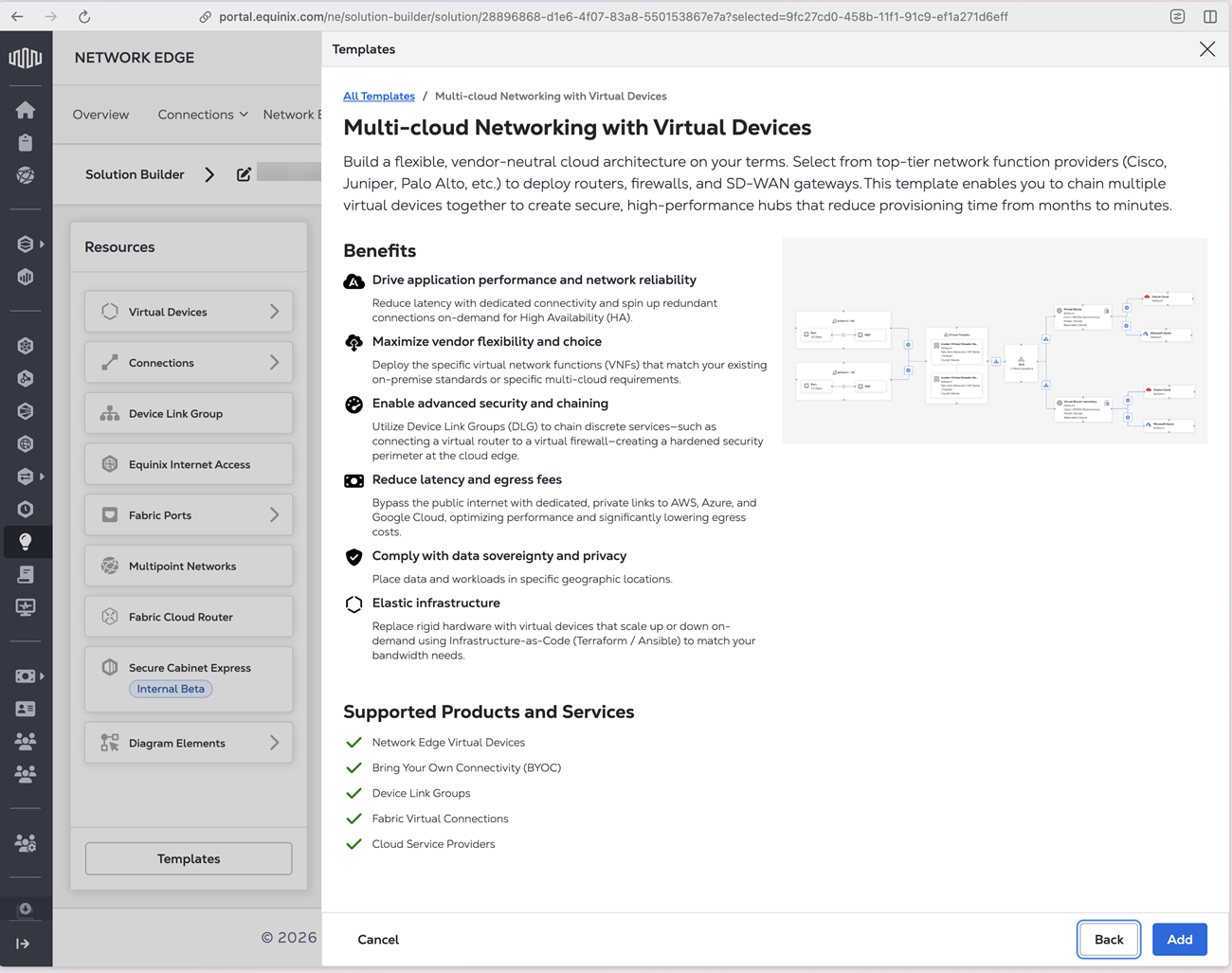
  1. Select a template in the Templates panel and click Preview to see a full description of the template.

Detailed description of selected template

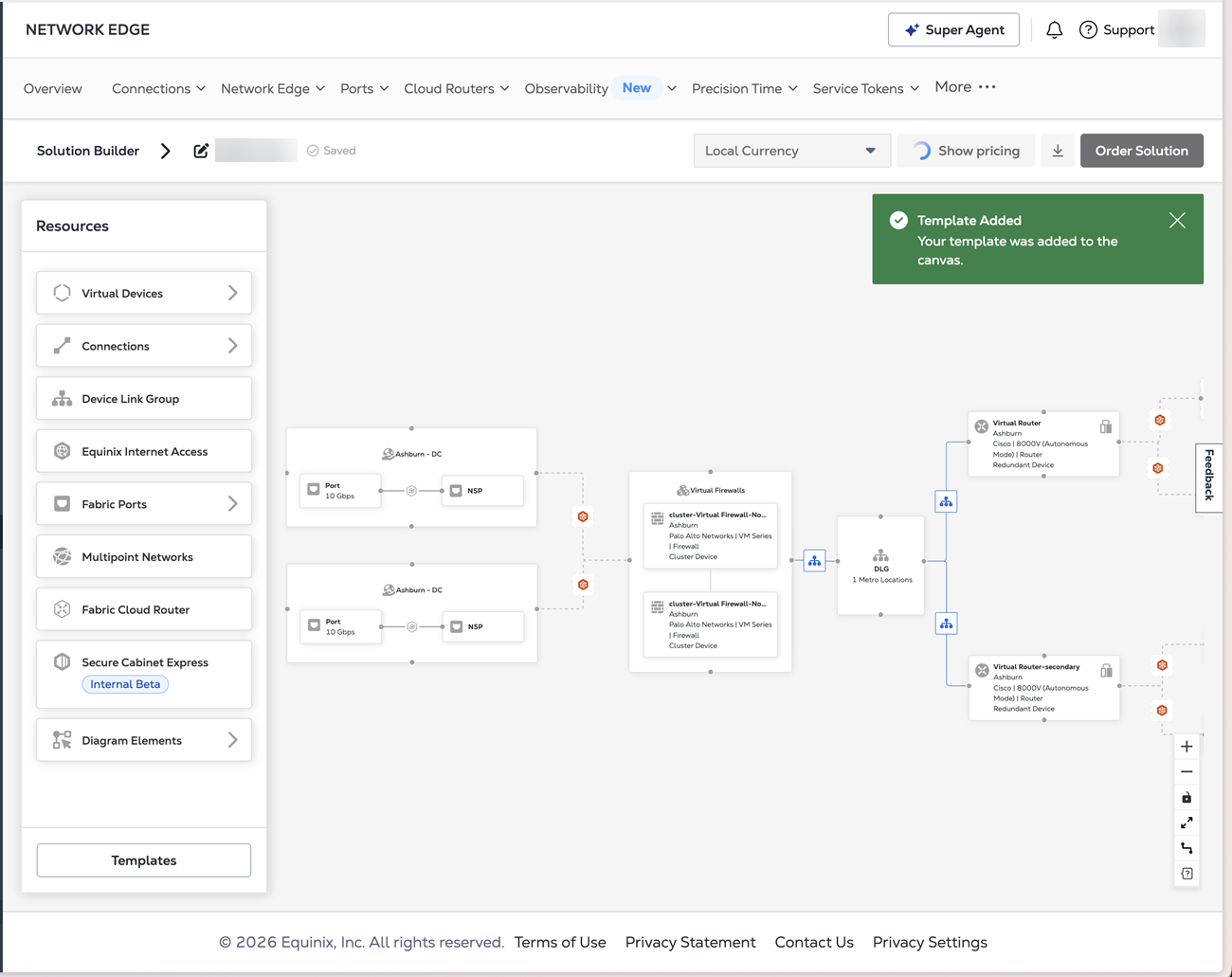
  1. Click Add to add the template to your Solution Builder canvas.

Template added to canvas

Once the template is added to your canvas, you can edit the components to match your requirements. Your completed design can then be priced and deployed.

注意

Generic components will not be included in pricing.

此页面有帮助吗?