跳至内容

为客户创建或配置设备

已注册的 Equinix 经销商可代表其客户订购、编辑和查看Network Edge设备及其相关服务,包括连接和额外带宽。

笔记:

  • 您的子账户用户也可以自行操作。即使设备和相关服务属于子账户,结算账户仍然是您的账户。
  • 此功能目前处于有限开放阶段。请联系 Network Edge 销售团队,将您的特定客户列入可使用此 Network Edge 功能的名单中。
  • 未获授权的客户登录Equinix Customer Portal时,将无法在顶级菜单中看到Network Edge 。即使冒充未获授权的客户, Network Edge也不会显示在顶级菜单中。

以 Equinix Fabric 客户身份开始或停止查看

  1. 登录到 Equinix 客户门户 并导航到 Network Edge,然后选择 Administration 选项卡。

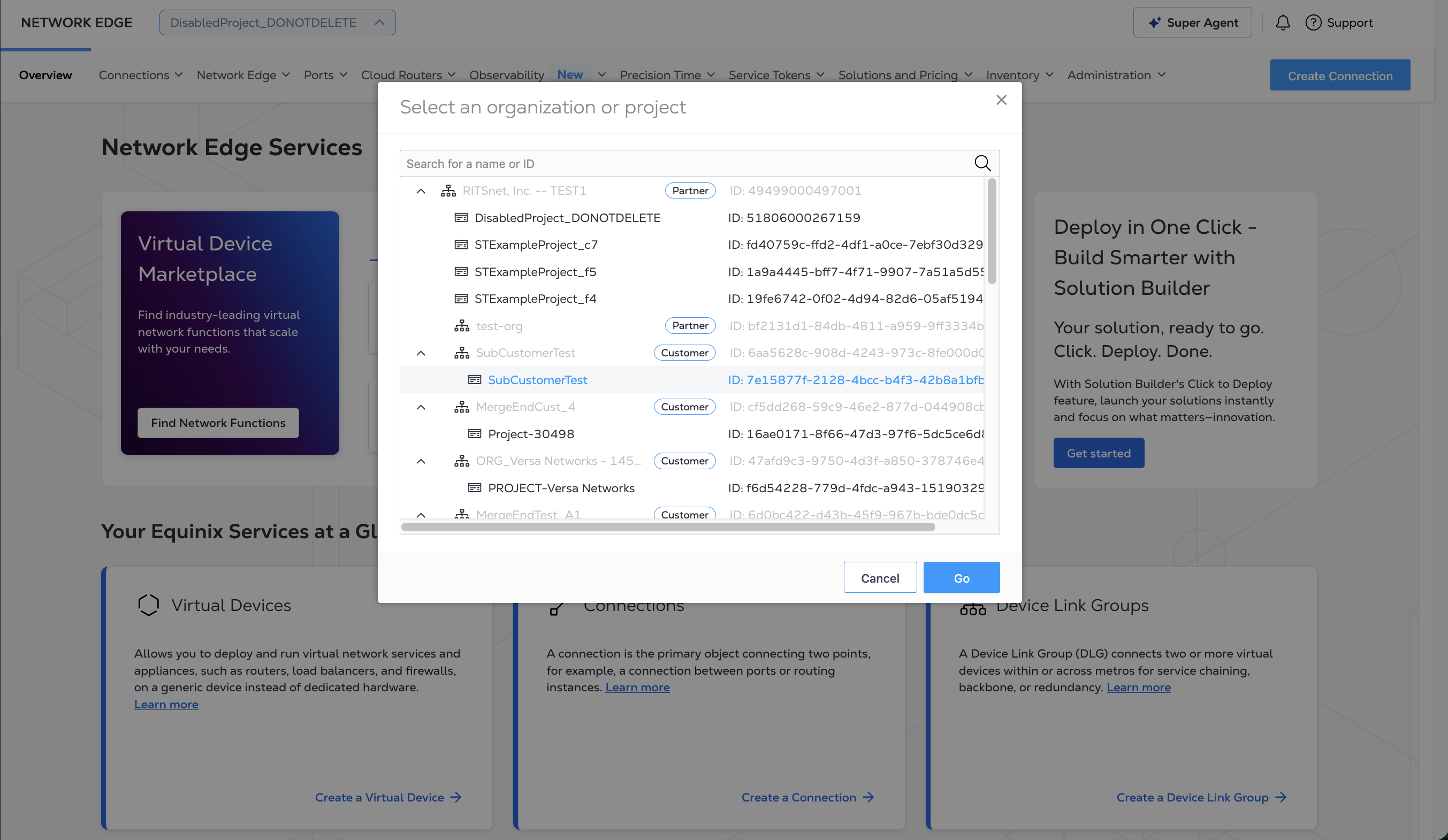
  2. 从账户列表中选择要查看的客户账户,然后单击选择

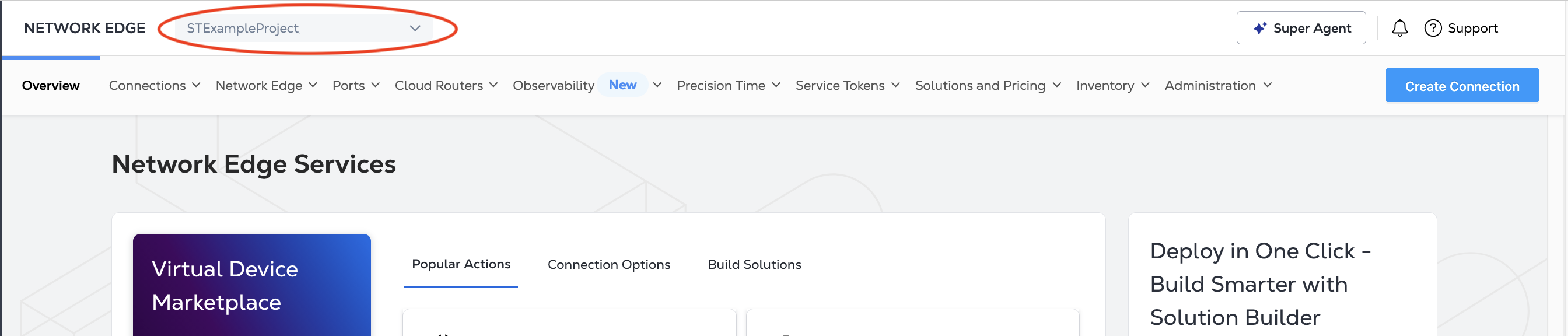
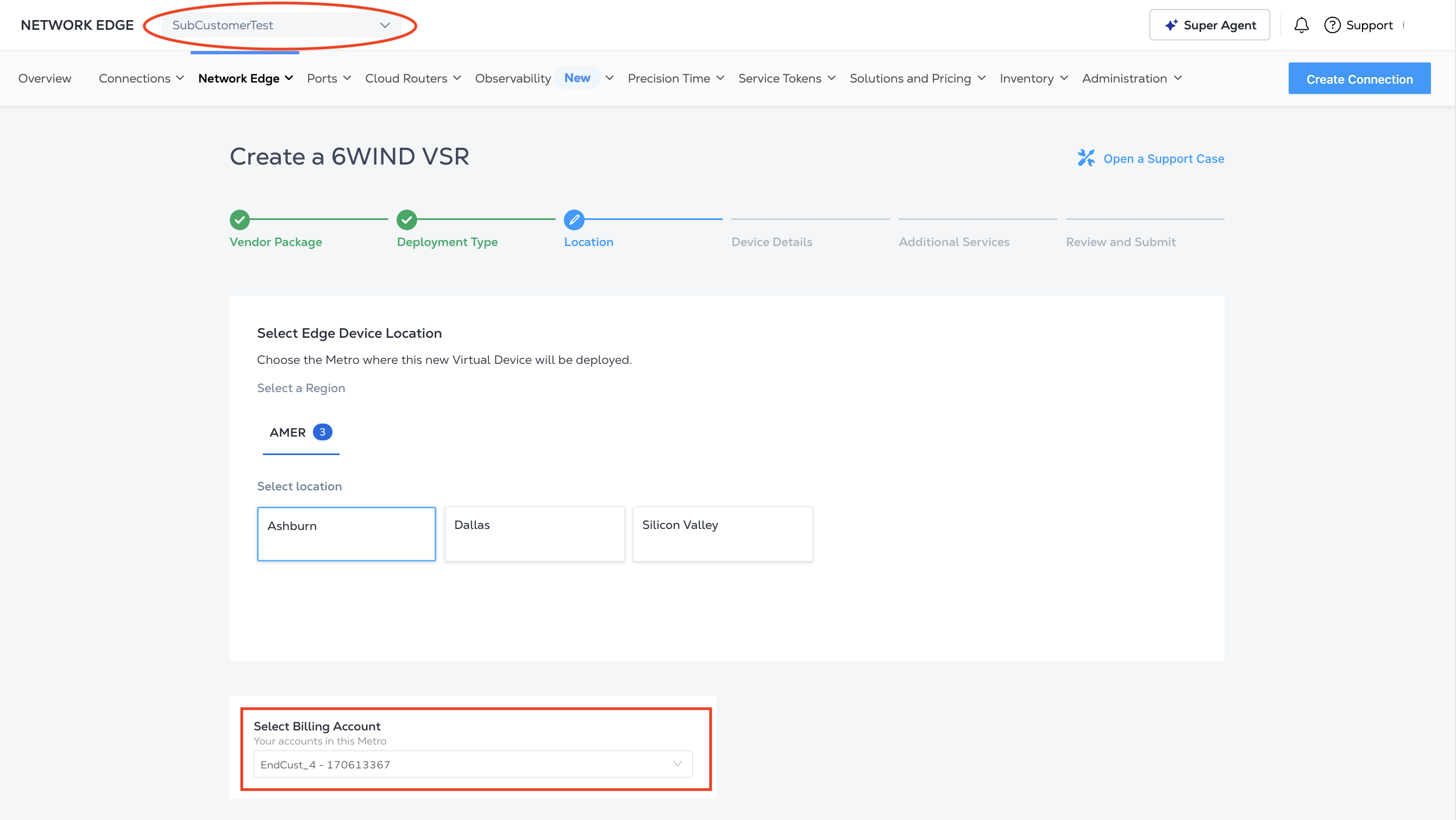
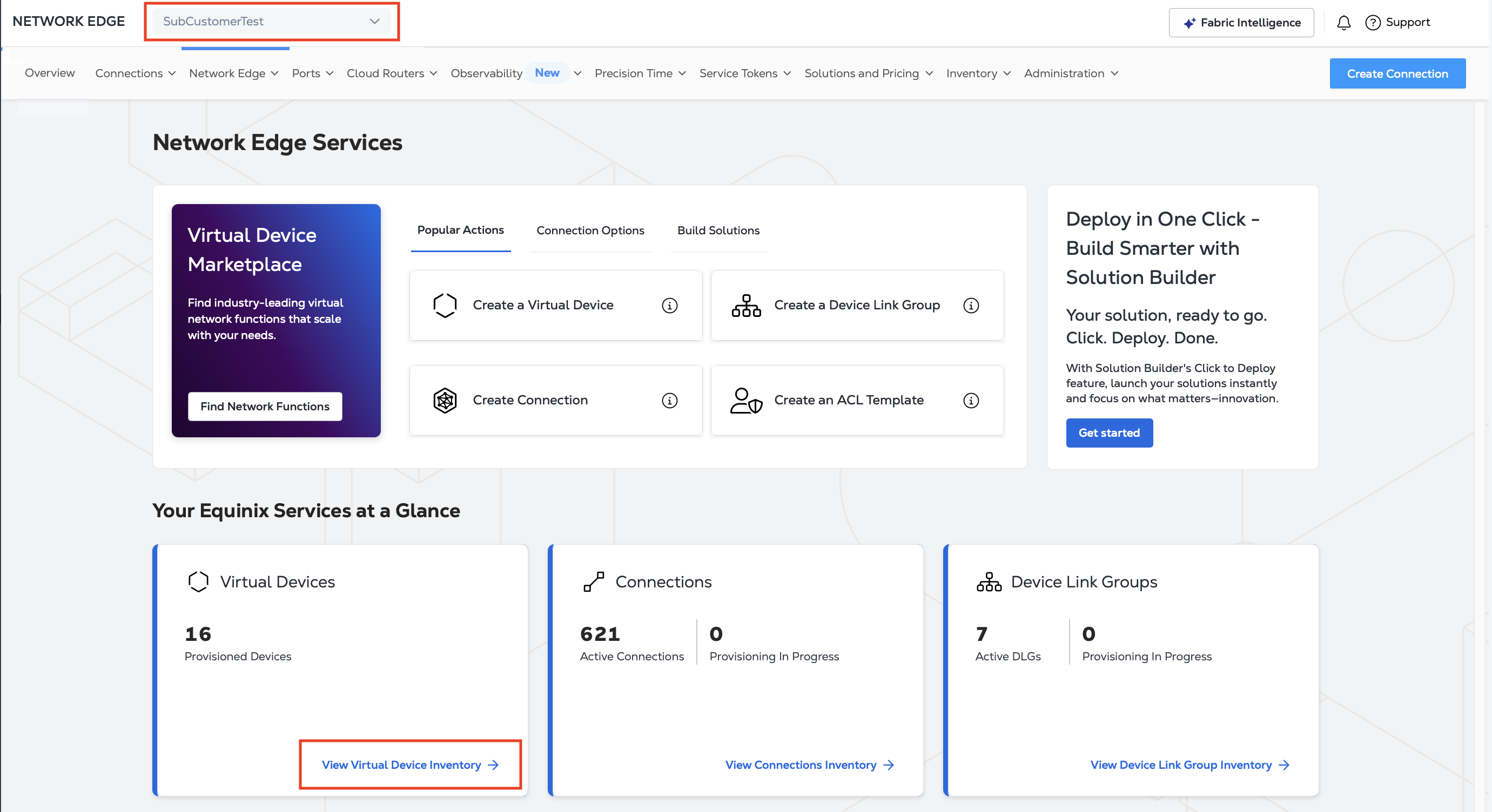
    您现在以客户身份浏览门户网站。当您模拟客户身份时,门户网站顶部会显示一条提醒信息。

  3. 要停止冒充客户,请点击停止更改客户

以客户身份查看、创​​建和配置设备

查看库存

您的“库存”显示与该客户帐户关联的所有虚拟设备、连接和其他产品。

以客户身份创建设备

  1. 您的账户已列出——此账户将被计费。该设备是为客户账户创建的。

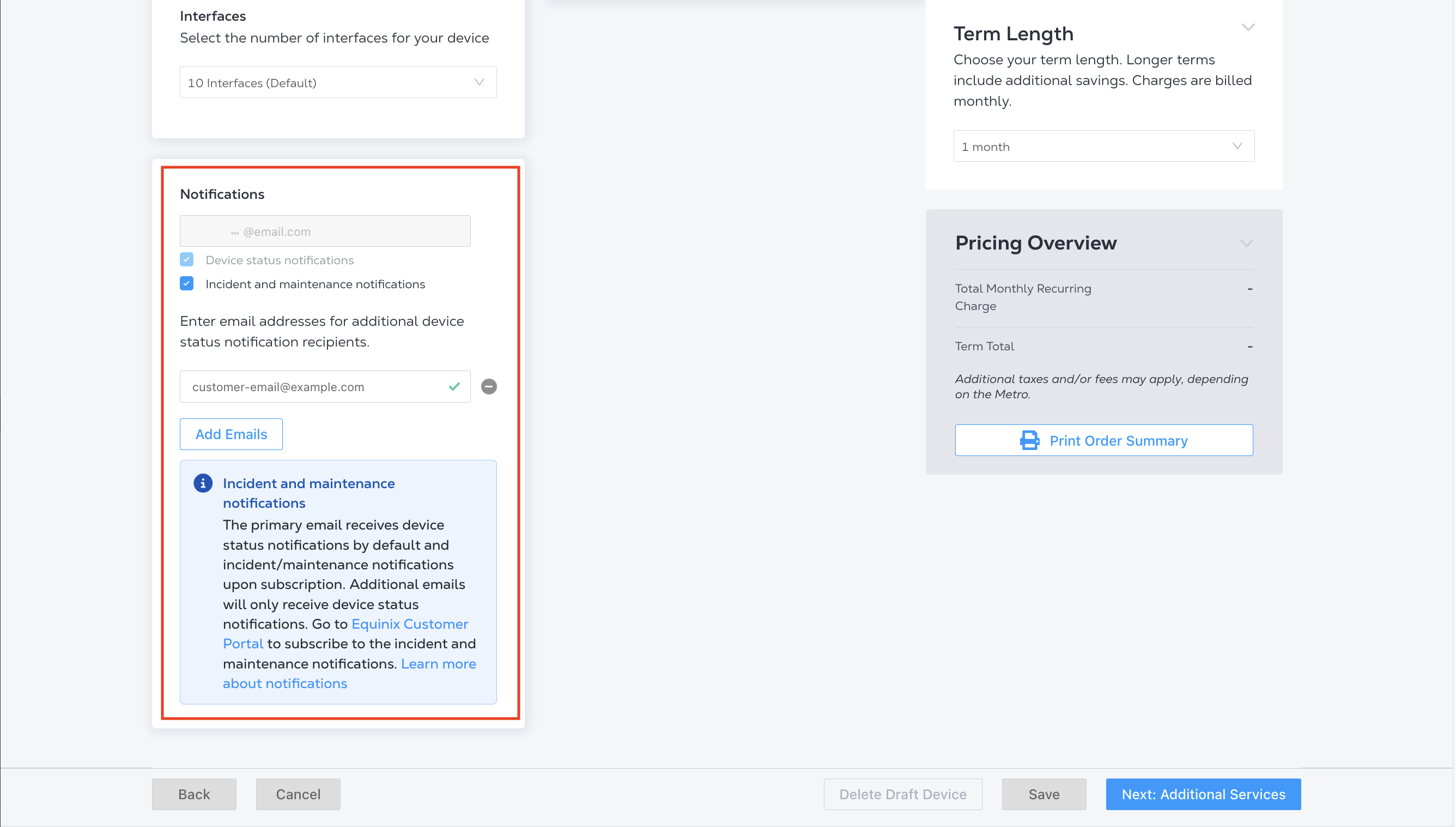
  2. 设置设备详细信息时,请选择客户组织中的一位联系人。该联系人将收到来自 Siebel 的订单通知。

  3. 订单提交后的审核步骤和设备详情页面都会显示设备创建流程中选择的订购联系信息。

冒充主账户与冒充子账户

以下列出了冒充账号和以子账号身份查看之间的一些区别。

FeatureSub-AccountImpersonated Account
PricingUsers don’t see prices for devices or services they order.Users see all prices.
OrderingUsers can’t order a remote Equinix Fabric port.Users can order remote ports connected to the service provider.
ConnectingUsers can only connect over the assigned Equinix Fabric port.Users can connect to the Equinix Fabric port assigned to the sub-account.
ContactUsers who create a device become the ordering contact and will receive the order notifications from Equinix, without pricing information.The contact in your organization assigned to this sub-account will receive the order notification, with pricing information.
Network Edge AgreementUsers can order a Network Edge device after the Network Edge agreement is accepted and signed by the authorized contact from your organization.Reach out to your Equinix Account team to sign the Network Edge agreement.
Portal FunctionsThe following are not available: Dashboard details, Port ordering, My Company tab
此页面有帮助吗?