API - 连接到Microsoft Azure ExpressRoute
建立与 Microsoft Azure 的直接第 2 层连接以访问 Azure 云基础设施和其他 Azure 云服务。
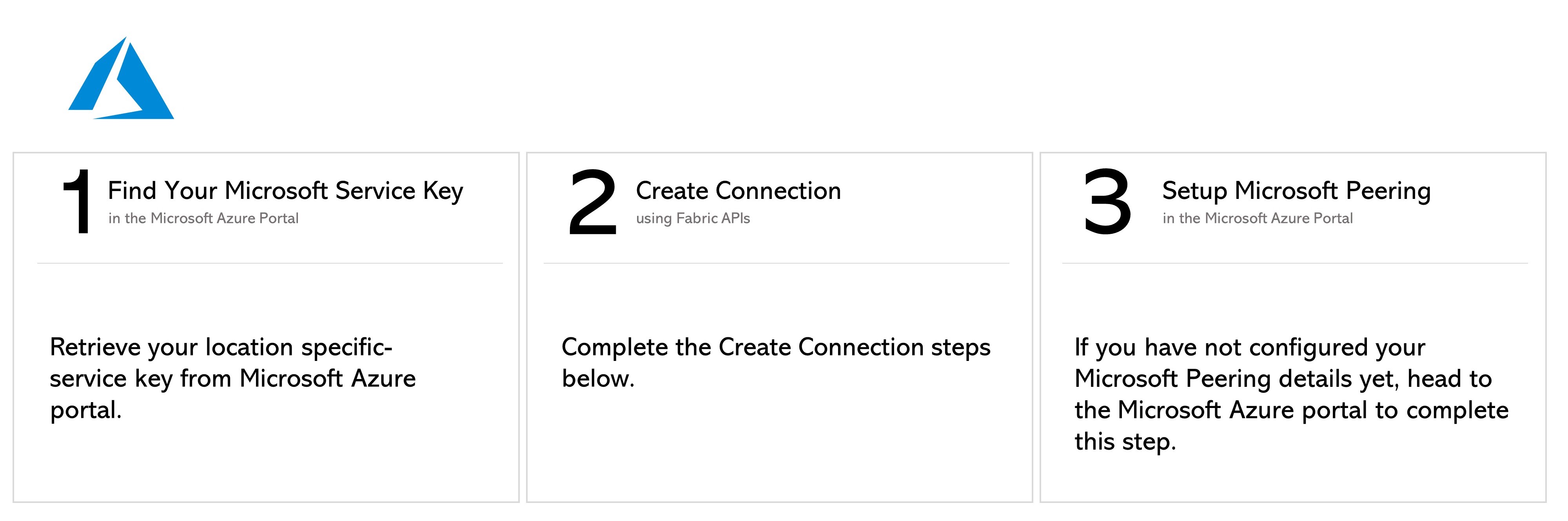
本文档介绍如何通过 API 从端口、服务令牌或云路由器创建连接。有关如何通过 API 从虚拟设备创建连接的信息,请参阅Network Edge 到 Azure ExpressRoute。
先决条件
-
身份验证 - 提交您的 OAuth2 用户凭据、客户端 ID 和客户端密钥 身份验证。请参阅API身份验证以获取有关如何调用OAuth API来验证和认证您的凭据的说明。
-
确定您的 A 面信息。您可以:
- 要获取 Equinix Fabric 端口信息,请向
/fabric/v4/ports端点发送GET请求。您需要端口 UUID 和链路协议类型(DOT1Q 或 QINQ)。
或者
- 要获取您的 A 端服务令牌,请向
/fabric/v4/serviceTokens端点发送GET请求。您需要令牌的 UUID。A 端令牌提供配置连接 A 端所需的必要信息。
或者
- 确定您的 Fabric 云路由器信息。通过向
/fabric/v4/routers/search端点发送POST请求来检查可用的云路由器。您需要路由器的 UUID。
- 要获取 Equinix Fabric 端口信息,请向
-
确定 Azure ExpressRoute 服务配置文件信息。有关应选择哪个服务配置文件的更多信息,请参阅 Azure ExpressRoute 概述 页面。
- Azure ExpressRoute -
a1390b22-bbe0-4e93-ad37-85beef9d254d - Azure 政府 ExpressRoute -
0de4e413-edd7-4325-912f-7c8a4428e156
- Azure ExpressRoute -
-
识别并验证您的 ExpressRoute 服务密钥。向
/fabric/v4/connections/validate端点发送POST请求,以验证您的 ExpressRoute 服务密钥是否可用于创建与给定都市中选定服务配置文件的连接。
从 DOT1Q端口连接
要从 DOT1Q 端口创建到 Azure ExpressRouter 的连接,请向 /fabric/v4/connections 终结点发送 POST 请求。连接类型为 EVPL_VC。
请在 aSide 对象中提供您的端口信息,包括:
accessPoint.type作为COLO- 将端口的 UUID 提供给
port.uuid - linkProtocol.type 为
DOT1Q - 向
linkProtocol.vlanTag提供 VLAN ID
请在 zSide 对象中提供您的 Azure ExpressRoute 详细信息和位置详细信息,包括:
- 将
accessPoint.type设置为SP。 - 将
profile.type设置为L2_PROFILE。 - 在
profile.uuid中指定要连接的 Azure ExpressRoute 服务配置文件。 - 在
location.metroCode中指定您要连接的 Equinix Metro 位置。 - 将
authenticationKey设置为您的 ExpressRoute 服务密钥。 - 根据您使用连接的服务,将
peeringType设置为MICROSOFT或PRIVATE。有关详细信息,请参阅配置对等互连。 - (可选)将
linkProtocol.type设置为QINQ并指定linkProtocol.vlanCTag。这将设置用于对等互连的 ExpressRoute VLAN ID。您也可以在创建连接后在 Azure 门户中设置此值。
请在请求正文中指定其他连接配置详情,包括bandwidth和redundancy。有关参数及其说明的完整列表,请参阅API 参考。
示例 cURL 请求:
curl -X
POST 'https://api.equinix.com/fabric/v4/connections'
-H 'content-type: application/json'
-H 'authorization: Bearer <token>'
-d '{
  "type": "EVPL_VC",
  "name": "<your_connection_name>",
  "bandwidth": <connection_speed>,
  "redundancy": {
    "priority": "<redundancy_code>"
  },
  "aSide": {
    "accessPoint": {
      "type": "COLO",
      "port": {
        "uuid": "<your_port_uuid>"
      },
      "linkProtocol": {
        "type": "DOT1Q",
        "vlanTag": <vlan_id>
      }
    }
  },
  "zSide": {
    "accessPoint": {
      "type": "SP",
      "profile": {
        "type": "L2_PROFILE",
        "uuid": "<service_profile_uuid>"
      },
      "location": {
        "metroCode": "DC"
      },
      "linkProtocol": {
        "type": "QINQ",
        "vlanCTag": <vlan_id>
      },
      "peeringType": "<peering_type>",
      "authenticationKey": "<expressroute_service_key>"
    }
  },
  "order": {
    "purchaseOrderNumber": "<purchase_order_number>"
  },
  "notifications": [
    {
      "type": "ALL",
      "emails": [
        "<contact_email>"
      ]
    }
  ]
}
从 QINQ端口连接
要从 DOT1Q 端口创建到 Azure ExpressRouter 的连接,请向 /fabric/v4/connections 终结点发送 POST 请求。连接类型为 EVPL_VC。
请在 aSide 对象中提供您的端口信息,包括:
accessPoint.type作为COLO- 将端口的 UUID 提供给
port.uuid - linkProtocol.type 为
QINQ - 将内部标签 ID 提供给
linkProtocol.vlanCTag - 将外部标签 ID 提供给
linkProtocol.vlanSTag
请在 zSide 对象中提供您的 Azure ExpressRoute 详细信息和位置详细信息,包括:
- 将
accessPoint.type设置为SP。 - 将
profile.type设置为L2_PROFILE。 - 在
profile.uuid中指定要连接的 Azure ExpressRoute 服务配置文件。 - 在
location.metroCode中指定您要连接的 Equinix Metro 位置。 - 将
authenticationKey设置为您的 ExpressRoute 服务密钥。 - 根据您使用连接的服务,将
peeringType设置为MICROSOFT或PRIVATE。有关详细信息,请参阅配置对等互连。 - (可选)将
linkProtocol.type设置为QINQ并指定linkProtocol.vlanCTag。这将设置用于对等互连的 ExpressRoute VLAN ID。您也可以在创建连接后在 Azure 门户中设置此值。
请在请求正文中指定其他连接配置详情,包括bandwidth和redundancy。有关参数及其说明的完整列表,请参阅API 参考。
示例 cURL 请求:
curl -X
POST 'https://api.equinix.com/fabric/v4/connections'
-H 'content-type: application/json'
-H 'authorization: Bearer <token>'
-d '{
  "type": "EVPL_VC",
  "name": "<connection_name>",
  "bandwidth": <connection_speed>,
  "redundancy": {
    "priority": "<redundancy_code>"
  },
  "aSide": {
    "accessPoint": {
      "type": "COLO",
      "port": {
        "uuid": "<port_uuid>"
      },
      "linkProtocol": {
        "type": "QINQ",
        "vlanSTag": <vlan_id>,
        "vlanCTag": <vlan_id>
      }
    }
  },
  "zSide": {
    "accessPoint": {
      "type": "SP",
      "profile": {
        "type": "L2_PROFILE",
        "uuid": "<service_profile_uuid>"
      },
      "location": {
        "metroCode": "<metro_code>"
      },
      "authenticationKey": "<expressroute_service_key>"
    }
  },
  "order": {
    "purchaseOrderNumber": "<purchase_order_number>"
  },
  "notifications": [
    {
      "type": "ALL",
      "emails": [
        "<contact_email>"
      ]
    }
  ]
}'
使用服务令牌进行连接
要从 DOT1Q 端口创建到 Azure ExpressRouter 的连接,请向 /fabric/v4/connections 终结点发送 POST 请求。连接类型为 EVPL_VC。
将您的服务令牌 UUID 提供给 aSide 对象。服务令牌提供建立连接所需的所有其他信息。
请在 zSide 对象中提供您的 Azure ExpressRoute 详细信息和位置详细信息,包括:
- 将
accessPoint.type设置为SP。 - 将
profile.type设置为L2_PROFILE。 - 在
profile.uuid中指定要连接的 Azure ExpressRoute 服务配置文件。 - 在
location.metroCode中指定您要连接的 Equinix Metro 位置。 - 将
authenticationKey设置为您的 ExpressRoute 服务密钥。 - 根据您使用连接的服务,将
peeringType设置为MICROSOFT或PRIVATE。有关详细信息,请参阅配置对等互连。 - (可选)将
linkProtocol.type设置为QINQ并指定linkProtocol.vlanCTag。这将设置用于对等互连的 ExpressRoute VLAN ID。您也可以在创建连接后在 Azure 门户中设置此值。
请在请求正文中指定其他连接配置详情,包括bandwidth和redundancy。有关参数及其说明的完整列表,请参阅API 参考。
示例 cURL 请求:
curl -X
POST 'https://api.equinix.com/fabric/v4/connections'
-H 'content-type: application/json'
-H 'authorization: Bearer <token>'
-d '{
  "type": "EVPL_VC",
  "name": "<connection_name>",
  "bandwidth": <connection_speed>,
  "redundancy": {
    "priority": "<redundancy_code>"
  },
  "aSide": {
    "serviceToken": {
      "uuid": "<your_aside_service_token>"
    }
  },
  "zSide": {
    "accessPoint": {
      "type": "SP",
      "profile": {
        "type": "L2_PROFILE",
        "uuid": "<service_profile_uuid>"
      },
      "location": {
        "metroCode": "<metro_code>"
      },
      "authenticationKey": "<expressroute_service_key>"
    }
  },
  "order": {
    "purchaseOrderNumber": "<purchase_order_number>"
  },
  "notifications": [
    {
      "type": "ALL",
      "emails": [
        "<contact_email>"
      ]
    }
  ]
}'
从Fabric Cloud Router连接
要从您的网络边缘设备创建到 AWS 的连接,请向 /fabric/v4/connections 端点发送 POST 请求。连接类型为 IP_VC。
在 aSide 对象中定义 Fabric 云路由器,包括:
- 将
accessPoint.type设置为CLOUD_ROUTER。 - 将
router.uuid设置为路由器的 UUID。
请在 zSide 对象中提供您的 Azure ExpressRoute 详细信息和位置详细信息,包括:
- 将
accessPoint.type设置为SP。 - 将
profile.type设置为L2_PROFILE。 - 在
profile.uuid中指定要连接的 Azure ExpressRoute 服务配置文件。 - 在
location.metroCode中指定您要连接的 Equinix Metro 位置。 - 将
authenticationKey设置为您的 ExpressRoute 服务密钥。 - 根据您使用连接的服务,将
peeringType设置为MICROSOFT或PRIVATE。有关详细信息,请参阅配置对等互连。 - (可选)将
linkProtocol.type设置为QINQ并指定linkProtocol.vlanCTag。这将设置用于对等互连的 ExpressRoute VLAN ID。您也可以在创建连接后在 Azure 门户中设置此值。
请在请求正文中指定其他连接配置详情,包括bandwidth和redundancy。有关参数及其说明的完整列表,请参阅API 参考。
curl -X
POST 'https://api.equinix.com/fabric/v4/connections'
-H 'content-type: application/json'
-H 'authorization: Bearer <token>'
-d '{
  "type": "IP_VC",
    "name": "<connection_name>",
  "bandwidth": <connection_speed>,
  "redundancy": {
    "priority": "<redundancy_code>"
  },
  "aSide": {
    "accessPoint": {
      "type": "CLOUD_ROUTER",
      "router": {
        "uuid": "<router_uuid>"
      }
    }
  },
  "zSide": {
    "accessPoint": {
      "type": "SP",
      "profile": {
        "type": "L2_PROFILE",
        "uuid": "<service_profile_uuid>"
      },
      "location": {
        "metroCode": "<metro_code>"
      },
      "authenticationKey": "<expressroute_service_key>"
    }
  },
  "order": {
    "purchaseOrderNumber": "<purchase_order_number>"
  },
  "notifications": [
    {
      "type": "ALL",
      "emails": [
        "<contact_email>"
      ]
    }
  ]
}'
监控连接状态
向 fabric/v4/connections/{connectionId} 端点发送 GET 请求以监控连接状态。
| Equinix Connection States | Azure States | |||
|---|---|---|---|---|
equinixStatus attribute values | providerStatus attribute values | Provider Status | Peerings Status | Description |
PROVISIONING | PROVISIONING | Not provisioned | Not provisioned | Connection request has not been sent to Microsoft yet. |
PENDING_BGP_PEERING | PENDING_BGP | Provisioned | Not provisioned | The connection has been approved and awaits for the customer to configure Microsoft peering on the Microsoft Azure portal. If you are connecting to Azure ExpressRoute from a Port, the status remains PENDING_BGP_PEERING until peering is completed in the Microsoft Azure portal and the status only changes to PROVISIONED once Equinix Fabric syncs with Microsoft. If you want to synchronize the BGP peering instantly, use Connection Actions API endpoint. If you are connecting to Azure ExpressRoute from a Fabric Cloud Router, you also need to configure your routing details for the connection in the Equinix Customer Portal. |
PROVISIONING | PROVISIONED | Provisioning completed at Microsoft's end and the connection is provisioning at Equinix's end. | ||
PROVISIONED | PROVISIONED | Connection established. |