My Traffic
The Internet Exchange Dashboard gives you visibility into your port traffic details on the My Traffic tab.
My Connections
-
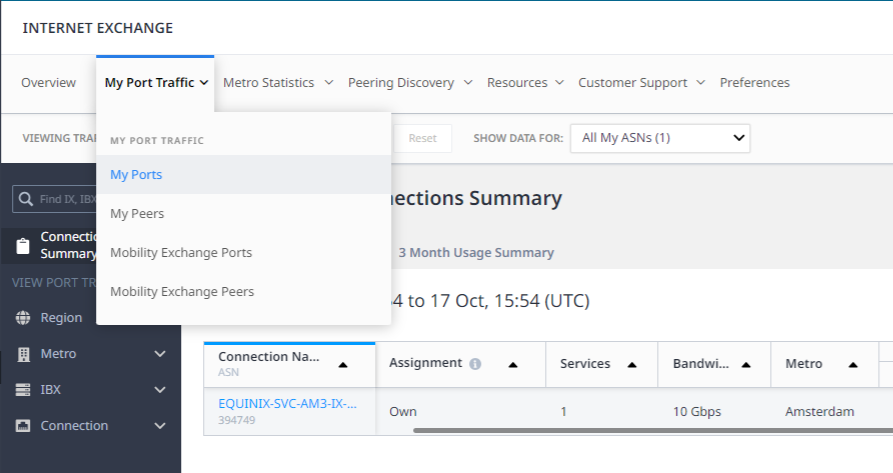
Select My Traffic, and choose My Connections from the drop-down list.
-
View all your ports with the summary from last 24 hours or last three months.
-
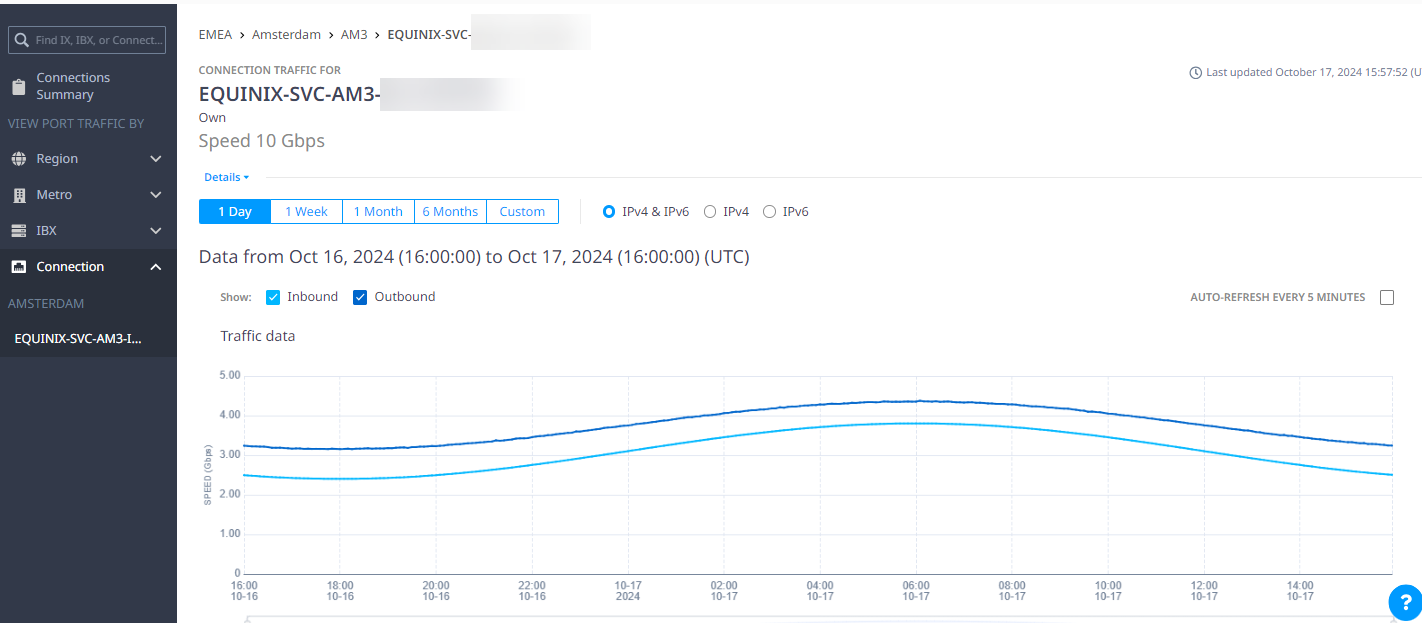
Select and view the traffic details for a specific connection, including traffic over different periods of time with inbound or outbound traffic.
-
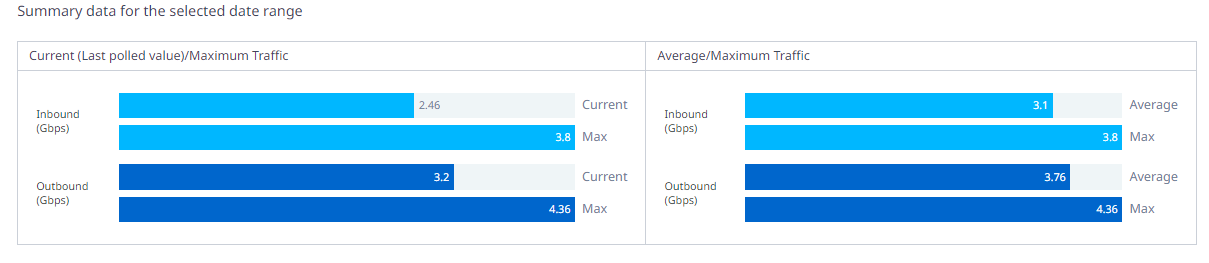
Scroll down to view the traffic by Summary for selected date range and further down to view a graph showing the Peer Traffic breakdown (mouse over the graph for details).
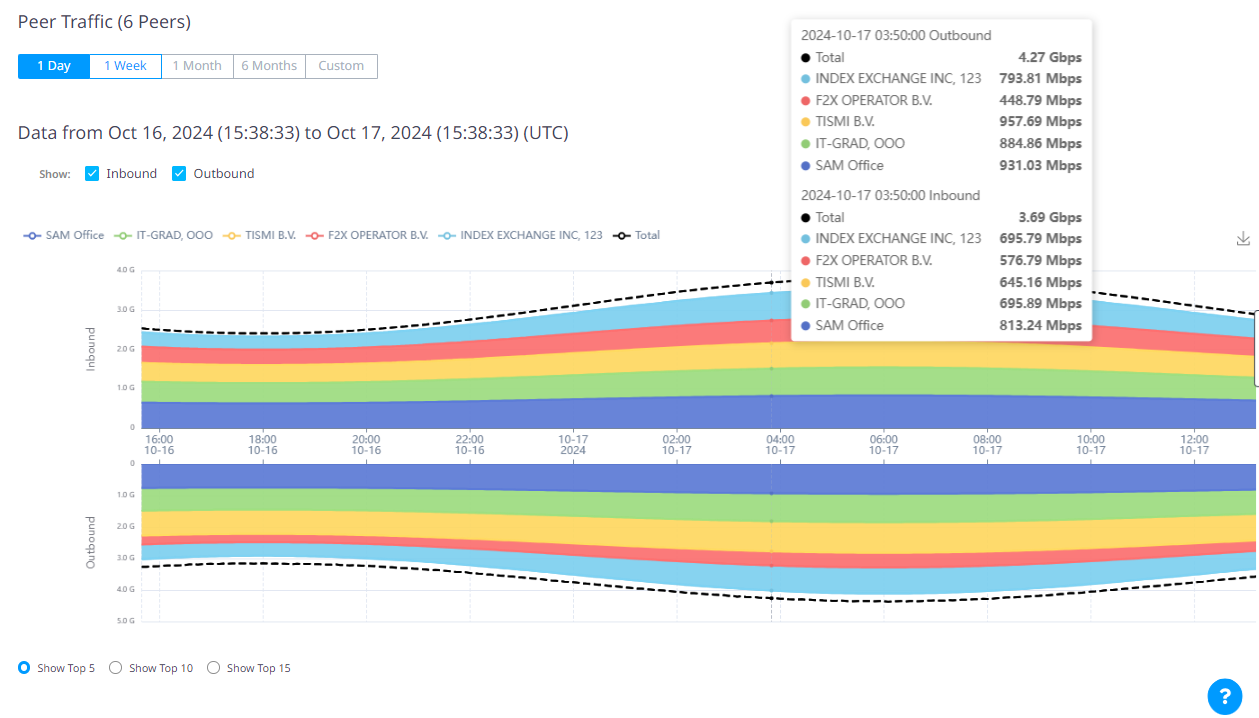
-
You can also view the traffic by IBX or data center, by metro, or by region.
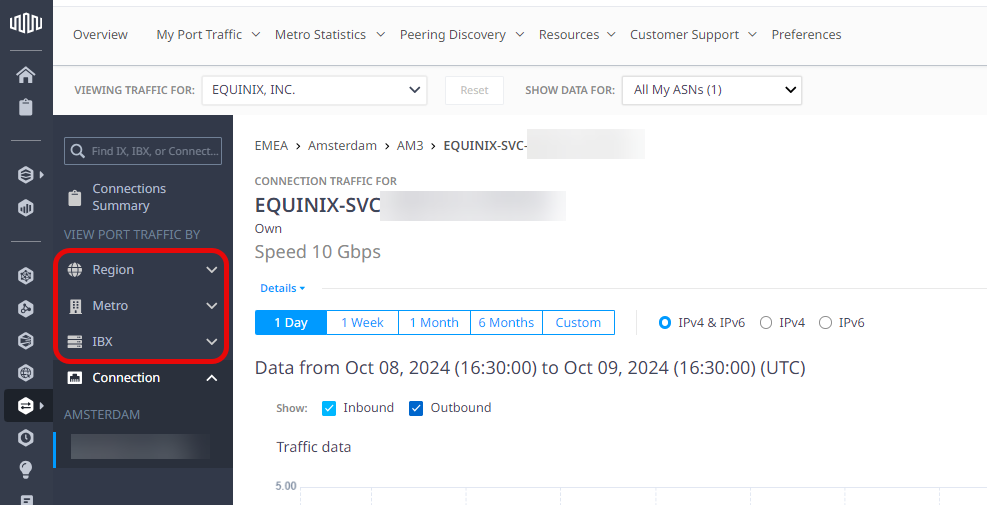
My Peers
Internet Exchange lets you know who your peers are and their peering locations.
-
Select My Port Traffic, and choose My Peers from the drop-down list.
-
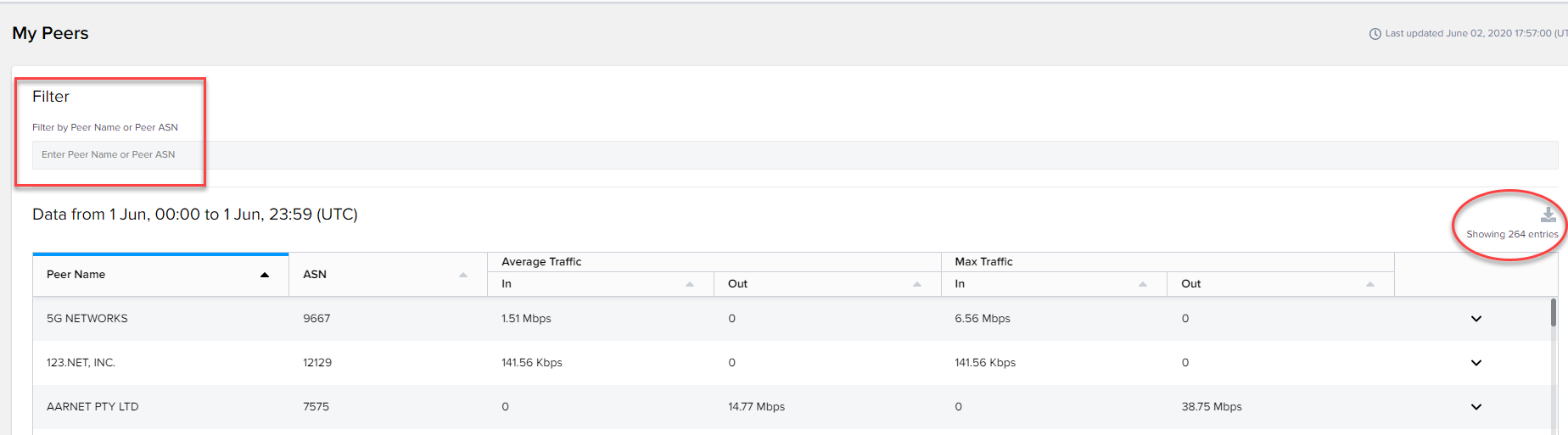
You can view all your peers by entering a specific peer name or ASN. You can do a quick filter for the required information.
-
By expanding showing entries, you can view all your peering locations with the selected organization.