Solution Builder : Modèles de solution
Un modèle de solution est une conception Solution Builder préconfigurée qui comprend :
- Une architecture de référence complète posée sur la toile Solution Builder.
- Les produits et services Equinix organisés dans des topologies validées.
- Composants génériques facultatifs pour représenter visuellement des services tiers ou des systèmes externes.
Après avoir sélectionné un modèle et l'avoir ajouté à votre conception, vous pouvez le dupliquer et modifier librement la conception, ajouter, supprimer ou reconfigurer des composants, comme n'importe quelle autre conception Solution Builder. Les modèles de solution sont disponibles pour tous les projets, ce qui signifie que vous pouvez les importer dans n'importe quelle conception nouvelle ou existante.
Pour utiliser un modèle de solution :
- Dans la section ressources, cliquez sur modèles.
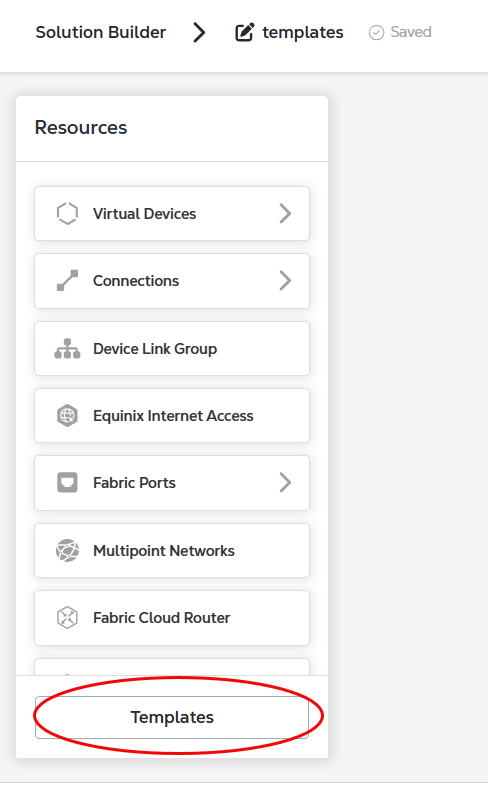
- Sélectionnez un modèle dans le panneau modèles et cliquez sur Aperçu pour afficher une description complète du modèle.
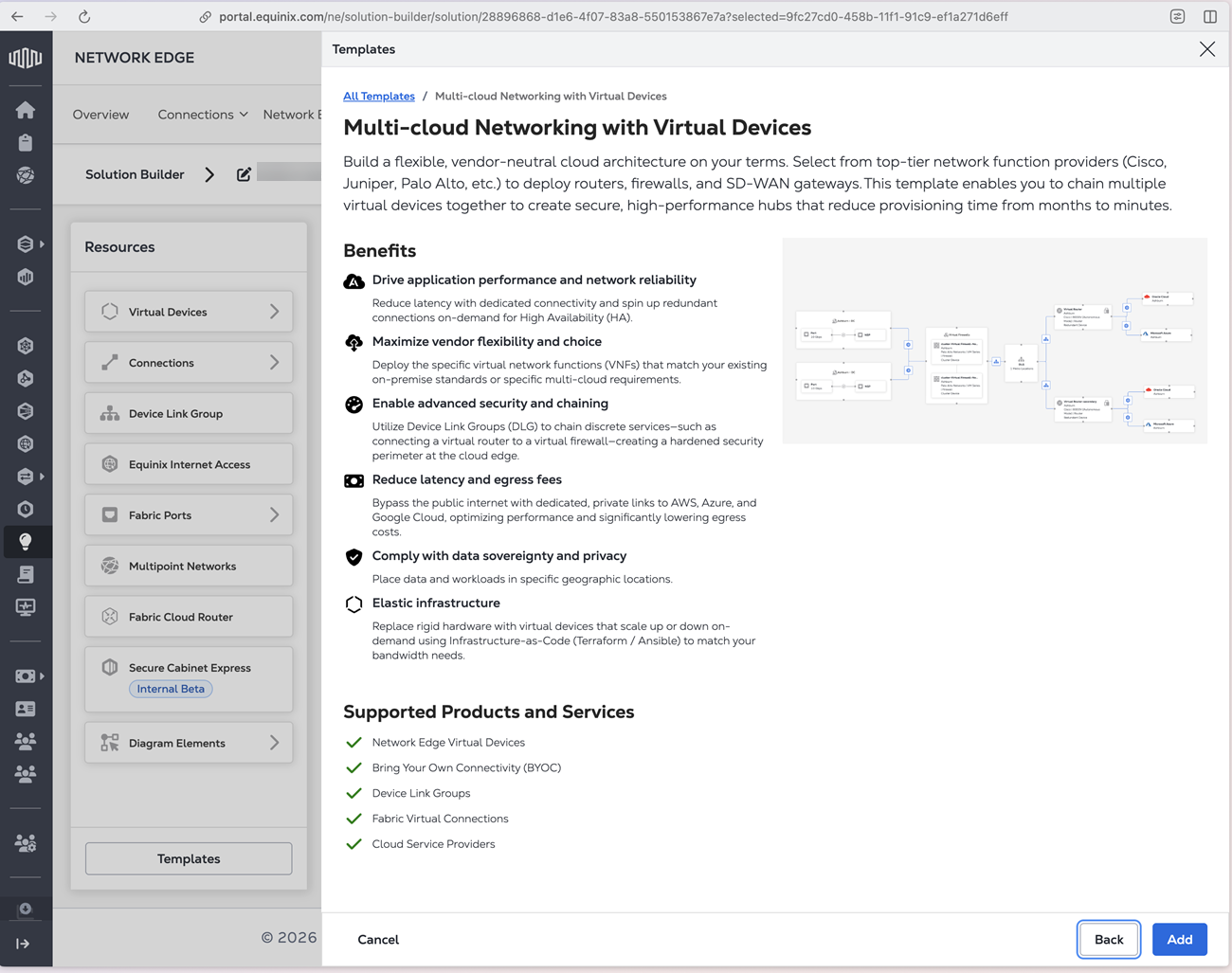
- Cliquez sur Ajouter pour ajouter le modèle à votre canevas Solution Builder.
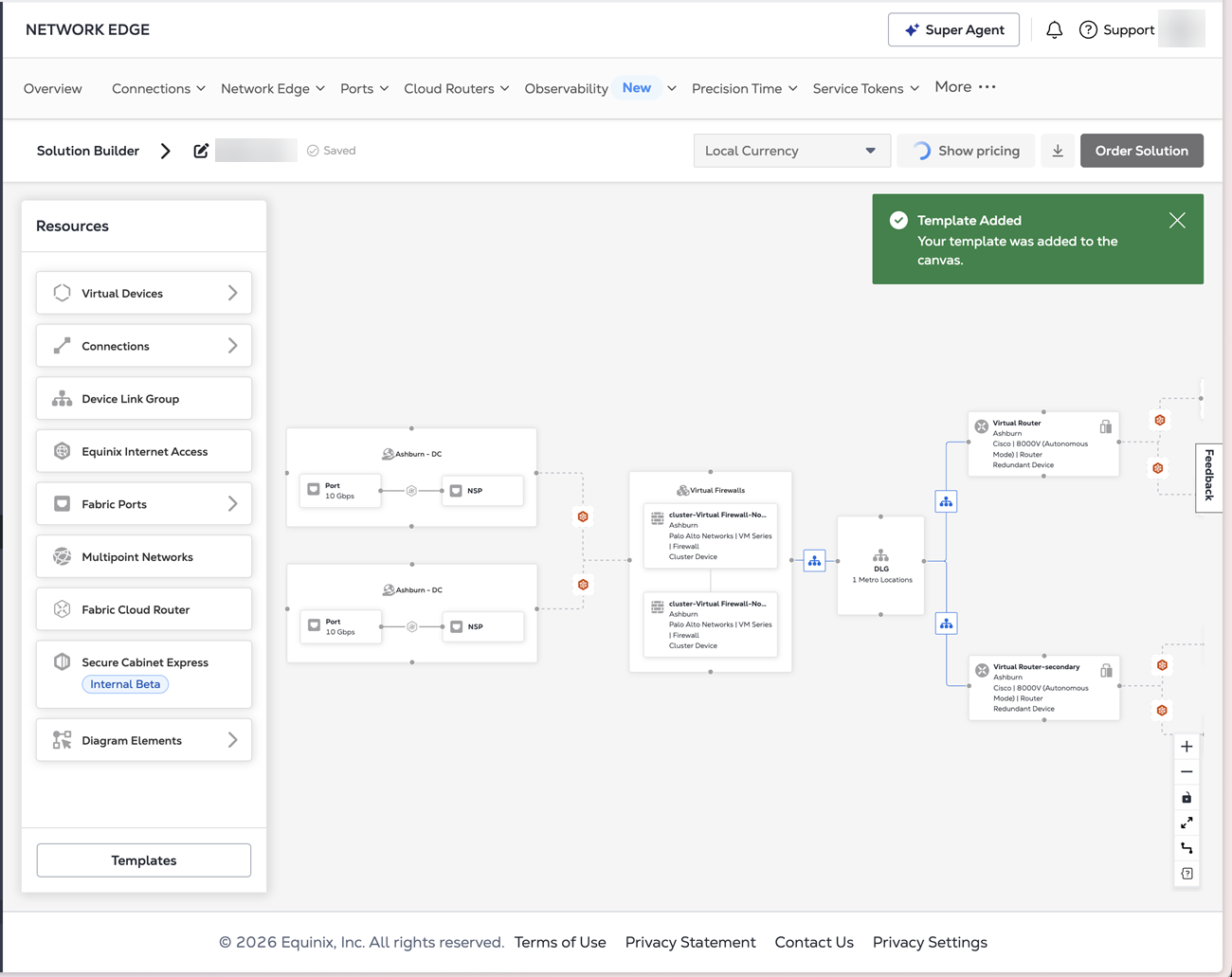
Une fois le modèle ajouté à votre canevas, vous pouvez modifier les composants en fonction de vos besoins. Votre conception terminée peut ensuite être tarifée et déployée.
Les composants génériques ne seront pas inclus dans le prix.