Gérez le profil de votre entreprise
Une fois que vous avez créé un profil d'entreprise, vous pouvez utiliser Fabric Marketplace pour afficher, modifier et afficher les informations sur les clients et les connexions.
Pour gérer votre profil d'entreprise :
-
Connectez-vous au Portail clients et accédez à Fabric Marketplace.
-
Dans le BOX Bienvenue dans l'écosystème Equinix, cliquez sur gérer votre profil.

Pour gérer un profil d'entreprise, vous devez disposer de l'un des rôles suivants :
Equinix Company AdminFabric Service Profile ManagerFabric Service Provider- un rôle personnalisé avec
fabric.serviceprofile.updateles autorisations etfabric.serviceprofile.delete.
Si vous ne disposez pas des autorisations nécessaires, contactez l'administrateur de votre entreprise.
Vue d'ensemble
Dans la vue d'ensemble, vous pouvez afficher toutes les informations dans la section Détails du profil de l'entreprise et les profils de service joints dans la section services . Pour voir comment votre entreprise apparaîtra aux clients potentiels, cliquez sur Afficher la page de profil de votre entreprise .
Modifier le profil de votre entreprise
Pour modifier le profil de votre entreprise, sélectionnez modifier le profil dans la liste déroulante actions.
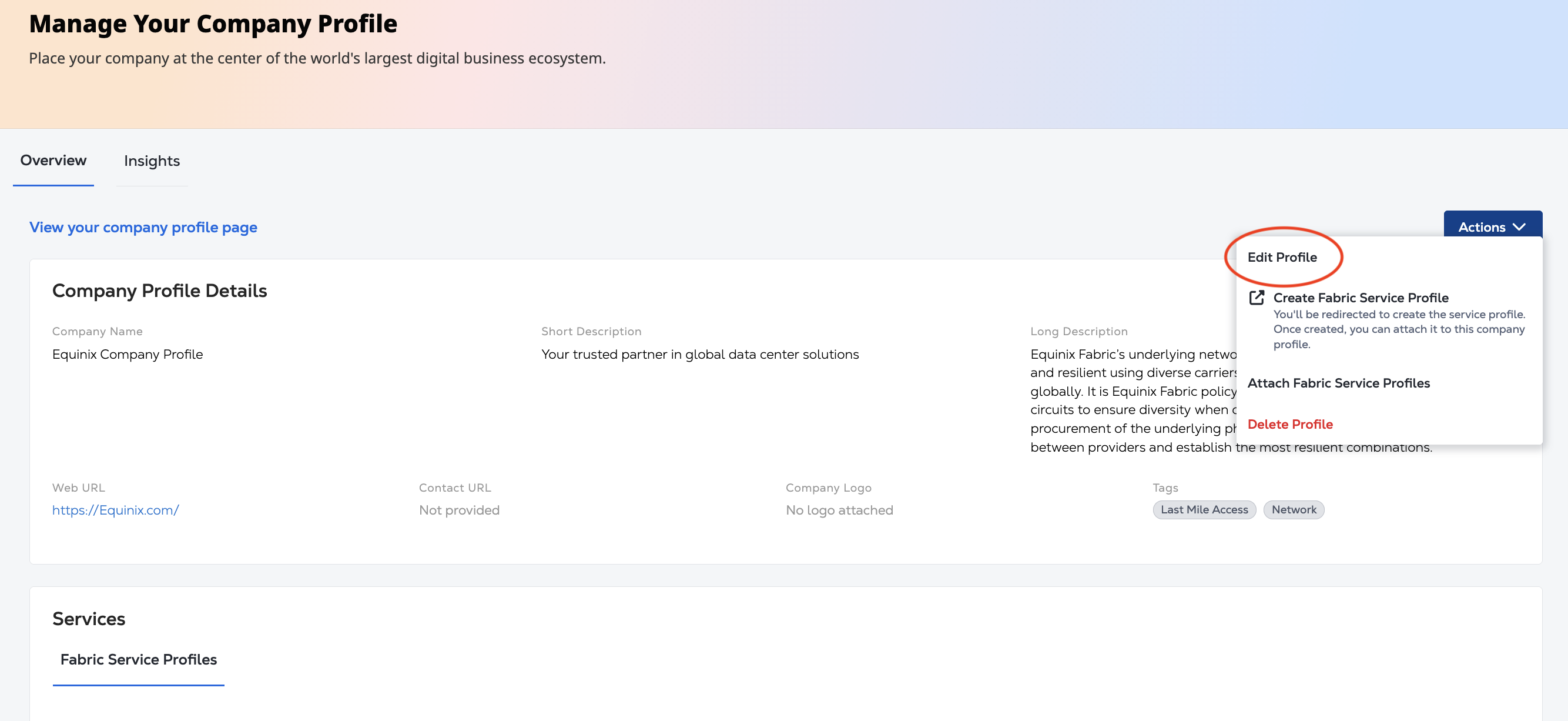
Utilisez le panneau modifier le profil de l'entreprise pour :
- Mettez à jour les informations dans la vue d'ensemble. Cliquez sur suivant.
- Mettez à jour les balises ou l'image du logo.
- Pour enregistrer vos mises à jour, cliquez sur soumettre.
Supprimez votre profil d'entreprise
Pour supprimer le profil de votre entreprise, sélectionnez Supprimer le profil dans la liste déroulante actions.
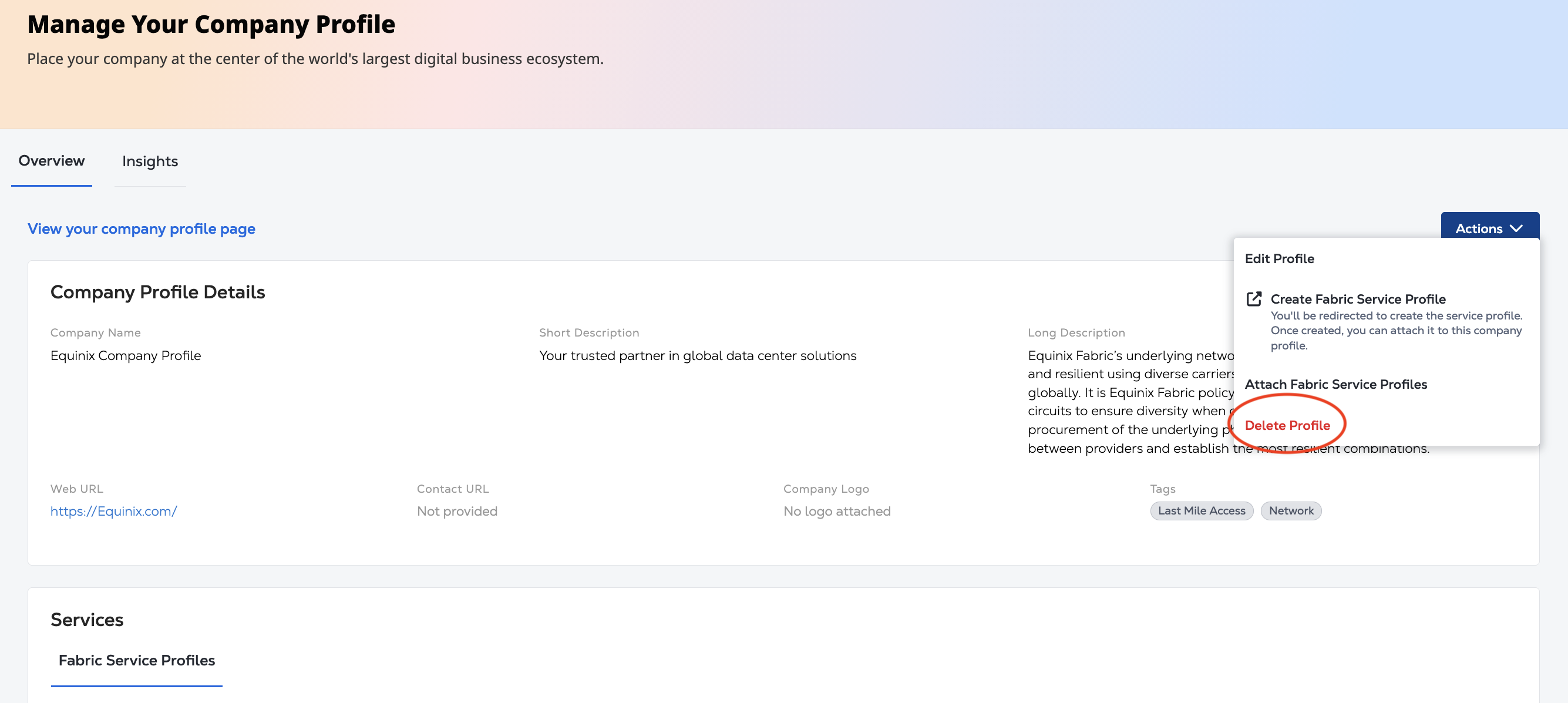
Sur l'écran de confirmation, cliquez sur Supprimer le profil.