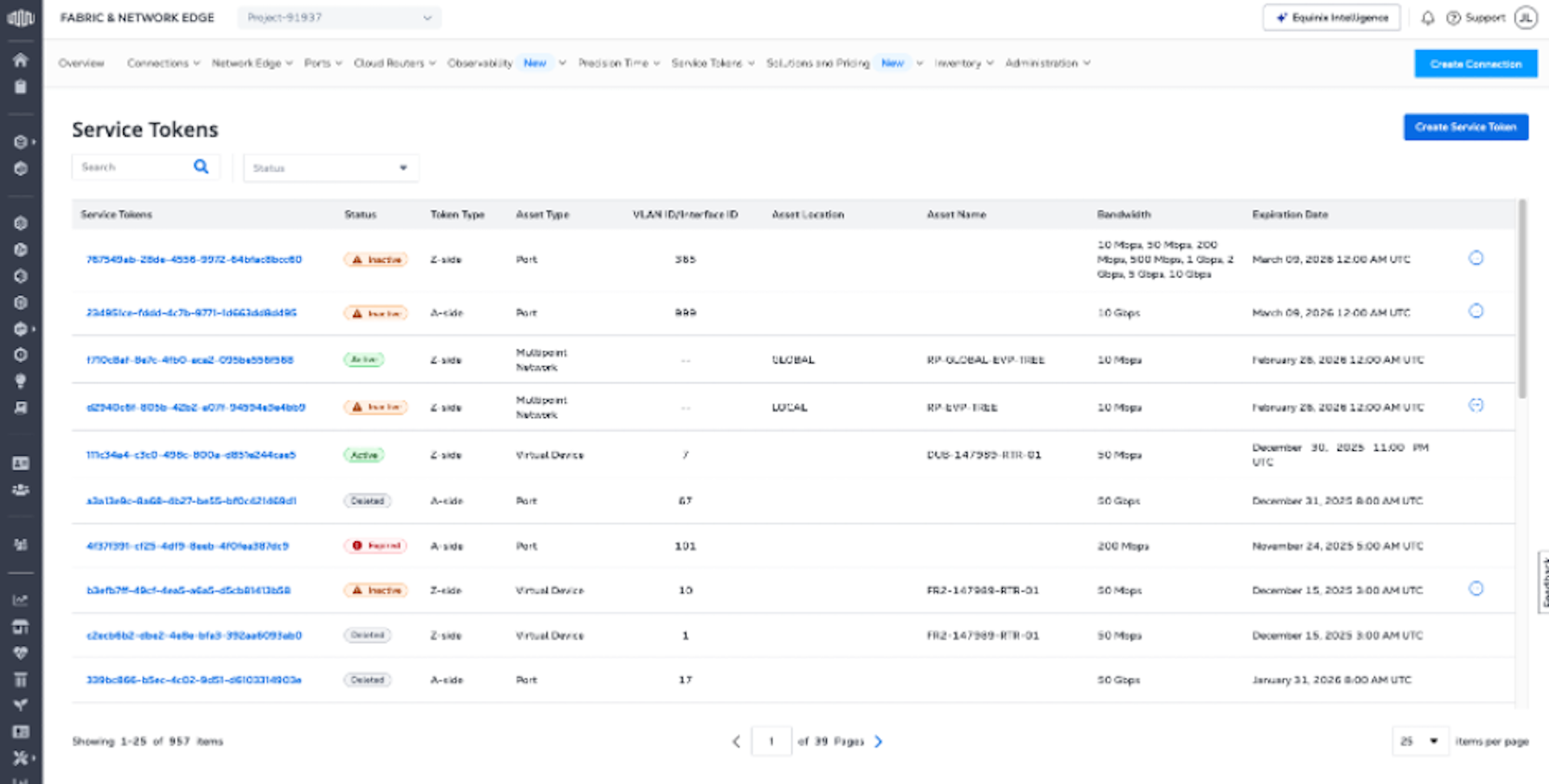
Service Token Inventory
The Service Token Inventory provides a single location for viewing, editing, and deleting all of the A-side and Z-side service tokens you’ve created.
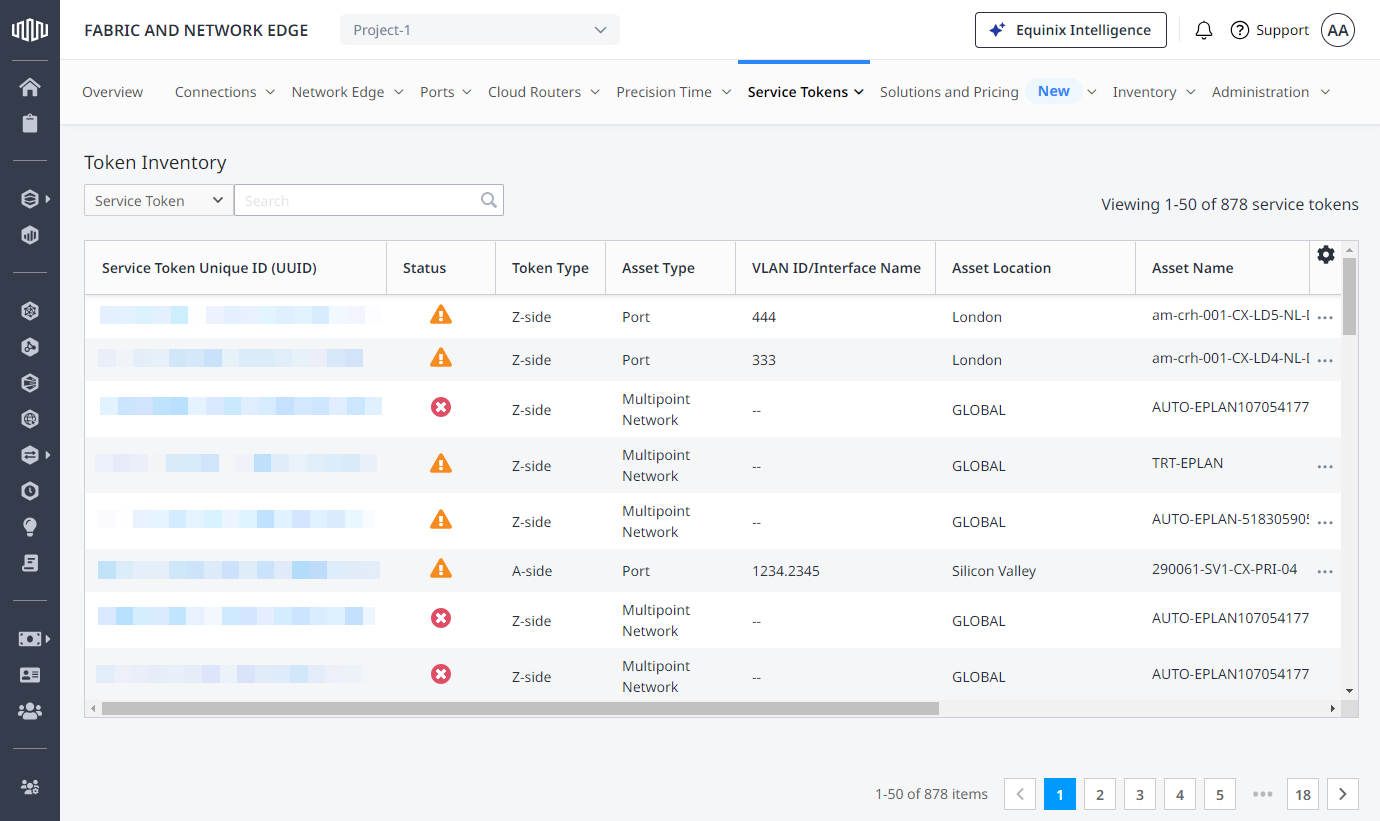
To access the Service Token Inventory:
-
Log in to the Customer Portal > Fabric Dashboard.
-
From the Service Tokens menu, select Service Token Inventory.
The Service Token Inventory displays:
-
Unique ID – The actual service token UUID.
-
Status – The status of the service token.
- Active - The service token has been redeemed.
- Inactive - The service token hasn't been redeemed yet.
- Deleted - The service token has been deleted.
- Expired - The service token has reached its expiration date.
-
Token Type – The kind of service token (A-side or Z-side).
-
Asset Type – Asset type associated with the service token.
-
VLAN ID/Interface Name – The VLAN ID.
-
Asset Location – The metro where the asset is located.
-
Asset Name – The name of the asset associated with the service token.
-
Bandwidth – Bandwidth options allowed by the service token.
-
Expiration Date – The date the token is no longer valid.
Search
Use the search fields to refine your list of tokens. You can use the following search parameters.
- Service Token UUID – Search for tokens by their full UUID.
- Token Status – Search for tokens by their status using the drop-down menu.
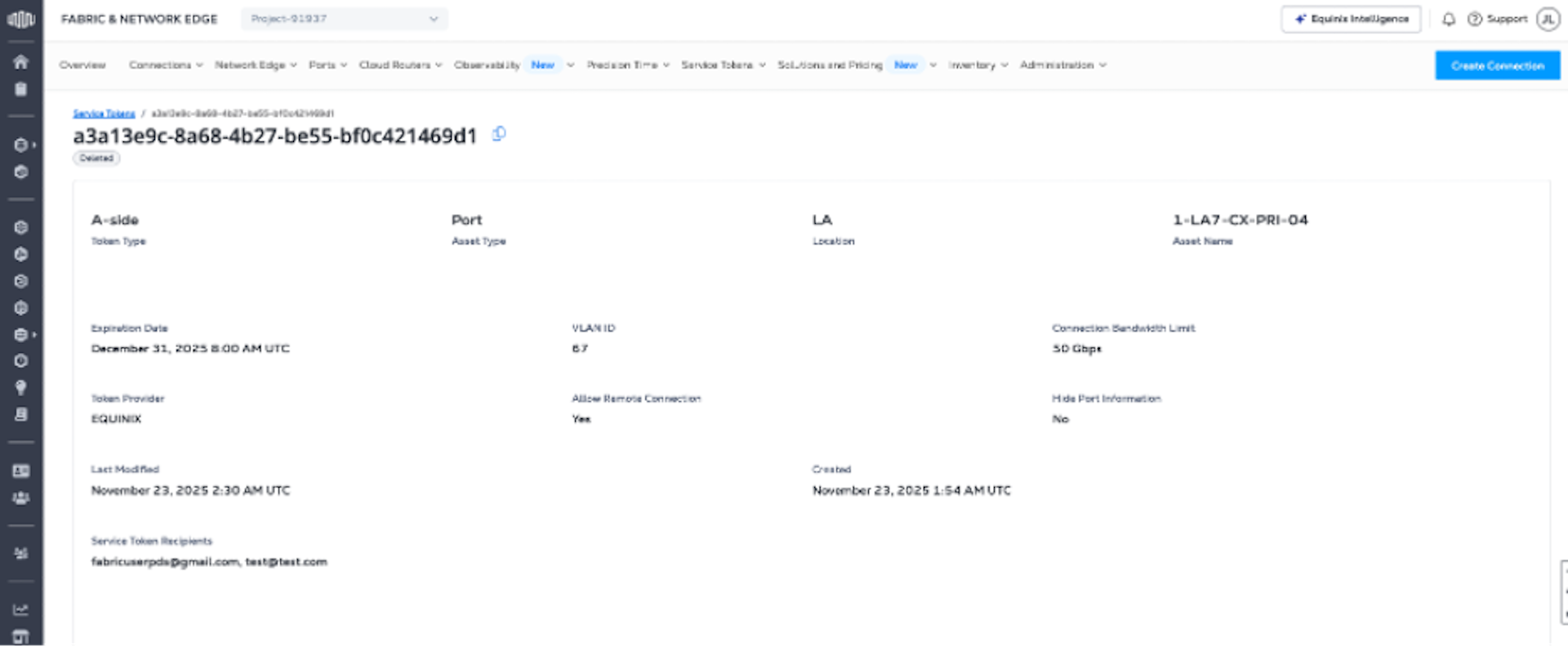
Service Token Details
Click on a token in your Service Token Inventory to view the token details.