Resolute NEXUS Last Mile Access
Resolute NEXUS and Equinix Fabric have integrated to automate the design, pricing, and ordering of last-mile access circuits. Provision physical access from enterprise locations into Fabric using Resolute NEXUS, and then use Fabric to establish virtual connections to cloud providers and other network services.
Overview
Locations - Resolute NEXUS Last Mile is available in the following locations:
- AMER - Ashburn, Atlanta, Chicago, Dallas, Los Angeles, Miami, New York, San Jose, São Paulo, Seattle.
- EMEA - Amsterdam, County Dublin, Frankfurt, London, Manchester, Paris.
- APAC - Hong Kong, Singapore, Sydney, Tokyo.
Bandwidth Options - Resolute NEXUS Last Mile Access offers connections speeds from 100 Mbps to 5 Gbps.
The workflow for obtaining network access from remote locations using Resolute NEXUS and Fabric is:
- Get a quote.
- Place an order.
- Connect network services in Equinix Fabric.
Get a Quote
-
Sign in to the Customer Portal > Fabric Dashboard.
-
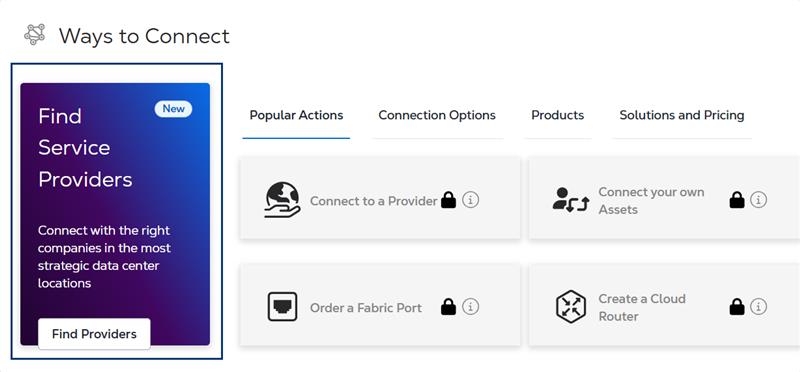
In the Ways to Connect section, click Find Providers.
-
Enter Resolute NEXUS in the search field.
-
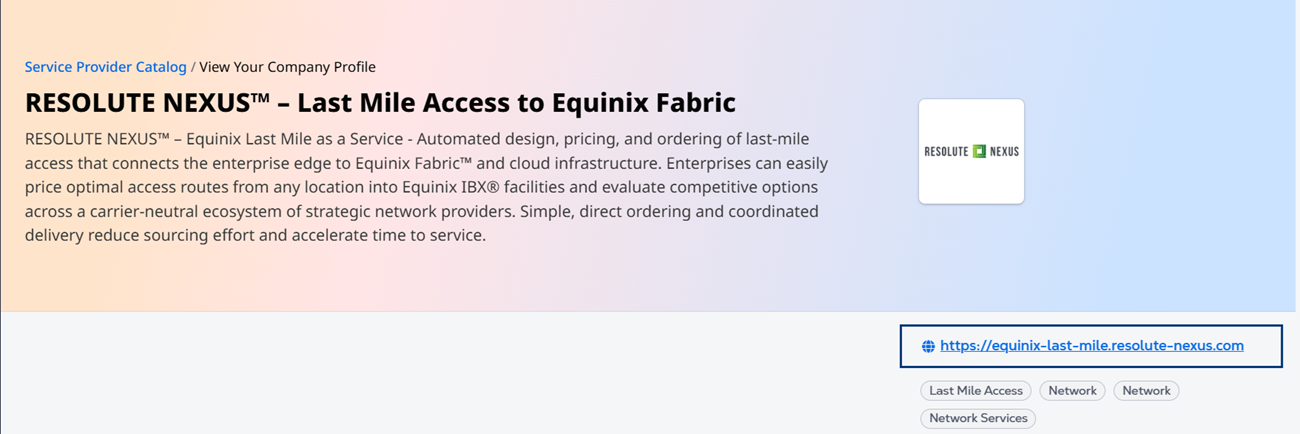
On the Resolute NEXUS profile card, click the Resolute NEXUS/Equinix Marketplace link.
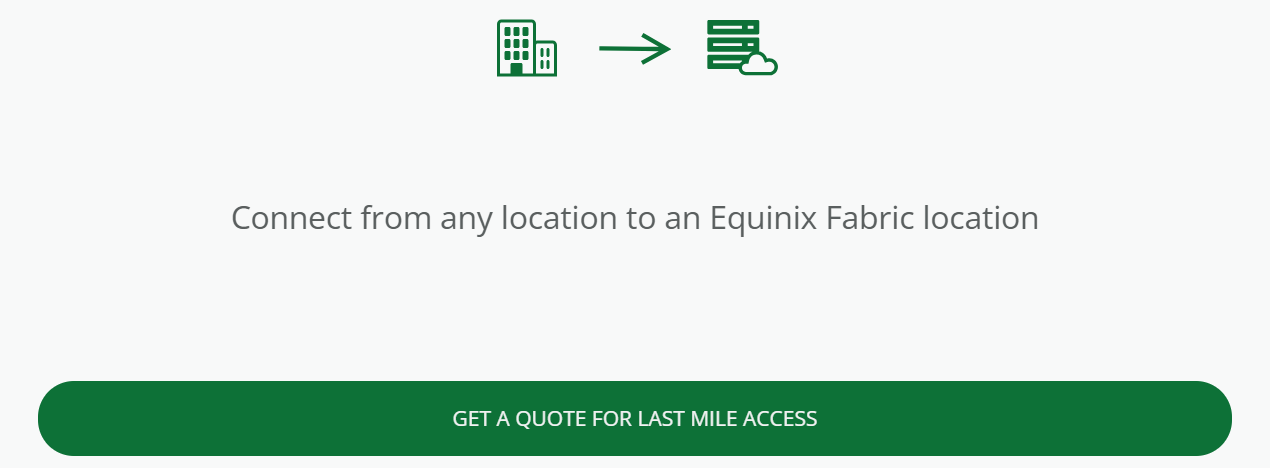
- Click Get a Quote for Last Mile Access.
-
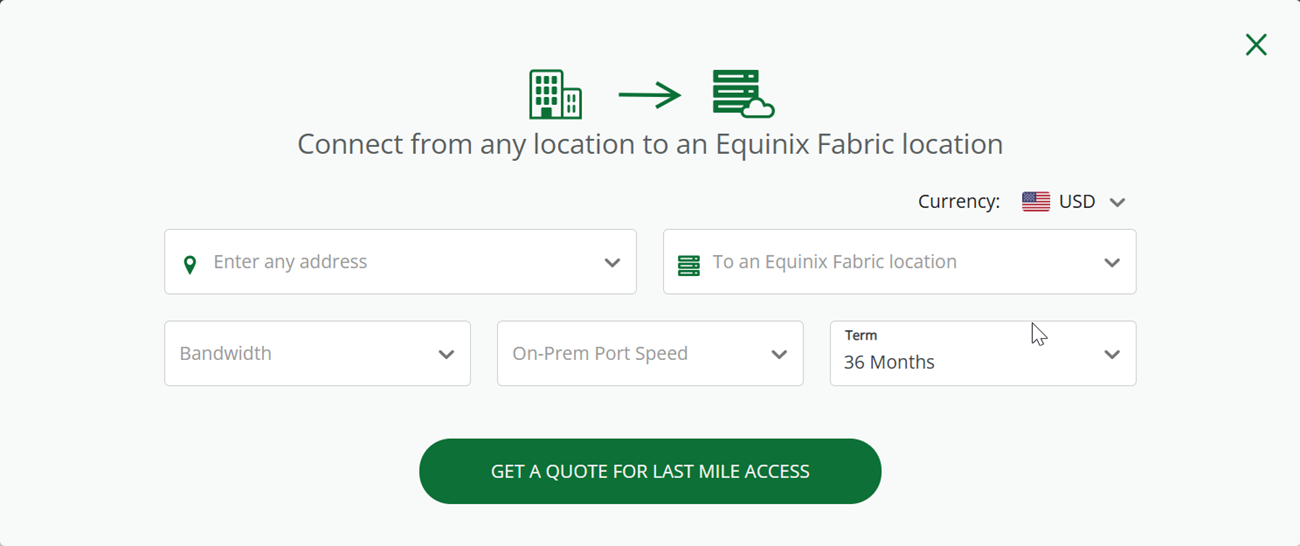
Enter the following:
- End user address
- Equinix location
- Bandwidth
- Port Speed
- Term
-
Click Get a Quote for Last Mile Access.
Place an Order
Once your quote is ready, you will receive an email with a link to view your quote. Click View Quote. From there, click Order to start your order.
If you want to place your order at a later time:
-
Sign in to the Resolute NEXUS.
-
Click on your quote.
-
Click Order.
Equinix Fabric customers can create a virtual connection over the Equinix Fabric from either their port or a virtual device to last mile access services ordered over Resolute NEXUS.
Connect Network Services in the Equinix Customer Portal
-
Sign in to the Customer Portal > Fabric Dashboard.
-
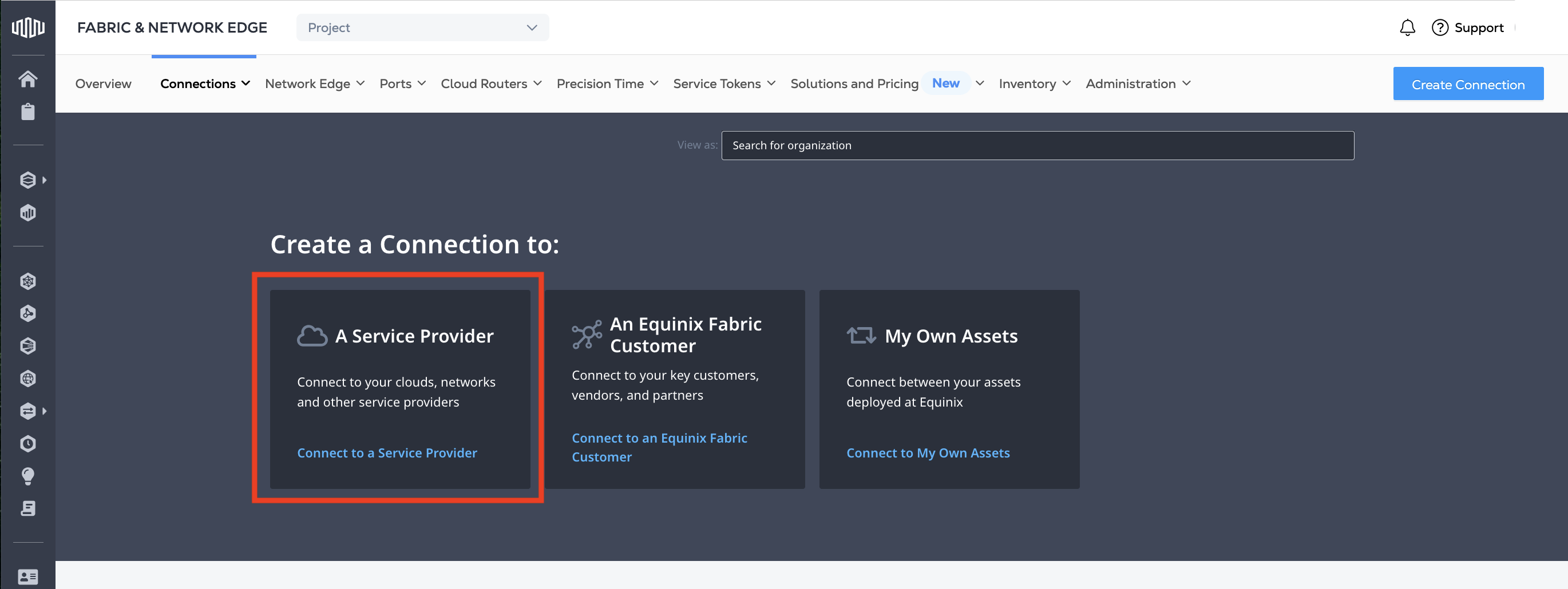
From the Connections menu, select Create Connection.
-
In the A Service Provider card, click Connect to a Service Provider.
-
In the search field, enter the name of the last mile provider listed on your last mile service order from Resolute NEXUS.
-
In the Last Mile Provider card, click Select Services at the bottom of the card.
-
Select the Last Mile Service and click Create Connection.
-
In the Origin section, click Port or Device.
-
Select a location.
-
Select a port or device.
-
In the Destination section, select the Last Mile Provider location to connect with.
-
Click Next.
-
On the Connection Details page, enter the connection information.
-
Click Next.
-
Review the order and click Submit.
After the process is successfully completed, the connection status will remain Not Provisioned until it’s accepted by the Last Mile Provider. Once the connection is accepted, it is automatically provisioned within Fabric and the connection status changes to Provisioned.
If you have questions about your quote, connecting to Equinix Fabric, or need solutions to carrier diversity, contact connectivity@resolute-nexus.com.